Install NixOS with bcachefs and LUKS disk encryption
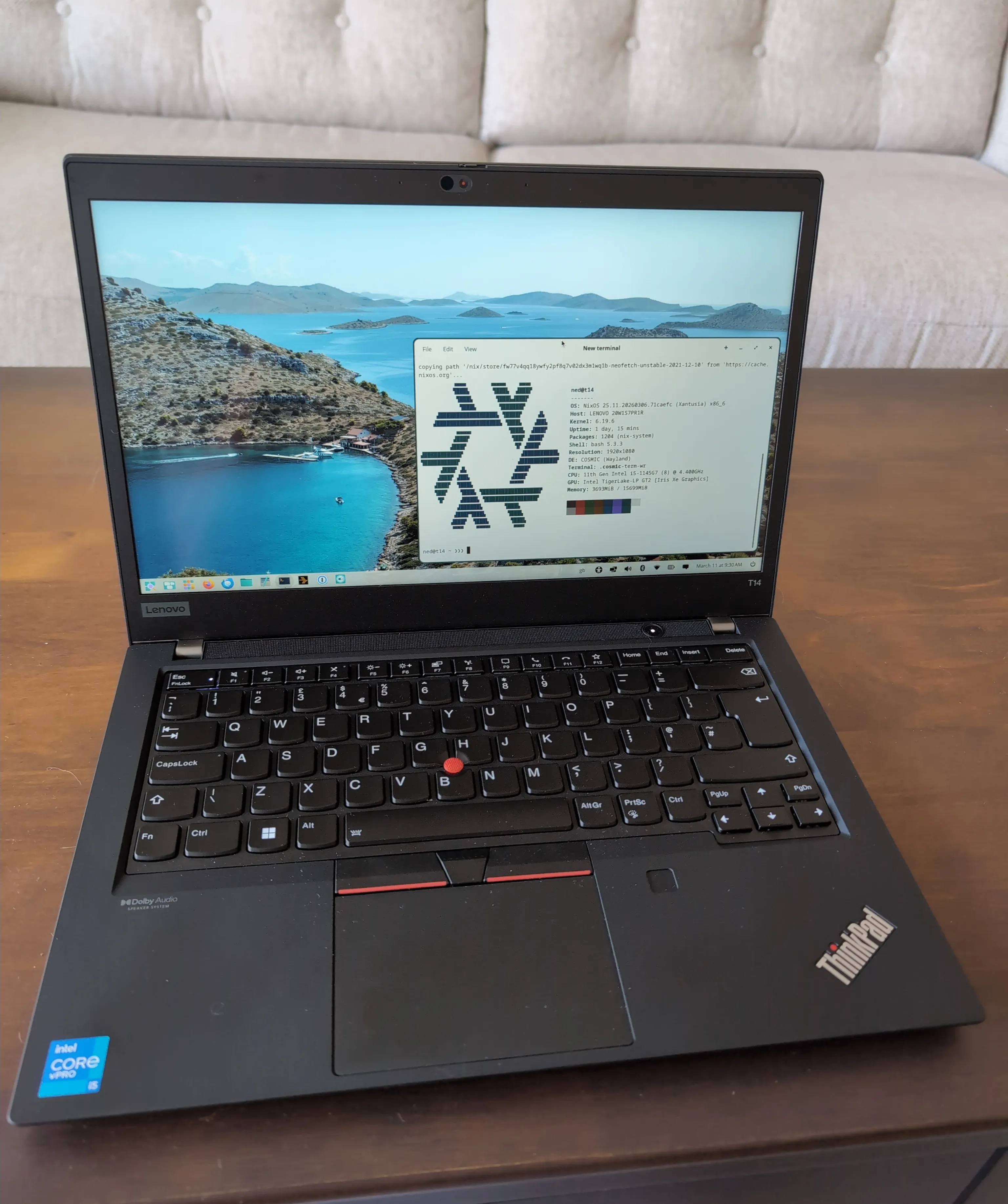
I picked up a secondhand Thinkpad T14 Gen 2 (16GB, i5 11th, 256GB SSD) from eBay for light use when I’m away travelling.
This is a quick note on how I installed NixOS on it.
Here I’ve used bcachefs as the root filesystem and Linux LUKS for whole disk encryption. As desktop environment I’m using COSMIC and despite it being in beta, I haven’t had any complaints.
References
- NixOS Installation Guide
- Installation on bcachefs
- Full Disk Encryption
- My NixOS config for the Thinkpad
Installation
Following the NixOS Installation Guide, download the Minimal ISO image from NixOS download page and flash to a USB drive.
Boot into the USB.
For the Gen 2 Thinkpad, you need to press F12 when you see Lenovo logo 🫡.
Proceed with a ‘Manual Installation’.
Note: the disk may be called /dev/sda, /dev/nvme0n1 or something else.
# Create 2 partitions
parted /dev/nvme0n1 -- mklabel gpt
parted /dev/nvme0n1 -- mkpart ESP fat32 1MB 512MB
parted /dev/nvme0n1 -- set 1 esp on
parted /dev/nvme0n1 -- mkpart primary 512MB 100% # i.e. to end of disk

# format the boot partition
mkfs.fat -F 32 /dev/nvme0n1p1 -n "NIXOS-BOOT"

# Create crypt on the second larger partition
# create an encrypted partition
cryptsetup luksFormat -y --label="NIXOS-ENCRYPTED" /dev/nvme0n1p2
# open the encrypted partition and map it to /dev/mapper/cryptroot
cryptsetup luksOpen /dev/nvme0n1p2 cryptroot
# create the physical volume
pvcreate /dev/mapper/cryptroot
# create a volume group inside
vgcreate lvmroot /dev/mapper/cryptroot

# create the swap and root volumes
lvcreate --size 8G lvmroot --name swap
lvcreate -l 100%FREE lvmroot --name root

# create bcachefs root partition
mkfs.bcachefs -L "NIXOS-ROOT" /dev/mapper/lvmroot-root
# format the swap partition
mkswap -L "NIXOS-SWAP" /dev/mapper/lvmroot-swap

# mount root, boot and swap
mount /dev/disk/by-label/NIXOS-ROOT /mnt
mkdir /mnt/boot
mount /dev/disk/by-label/NIXOS-BOOT /mnt/boot
swapon /dev/disk/by-label/NIXOS-SWAP
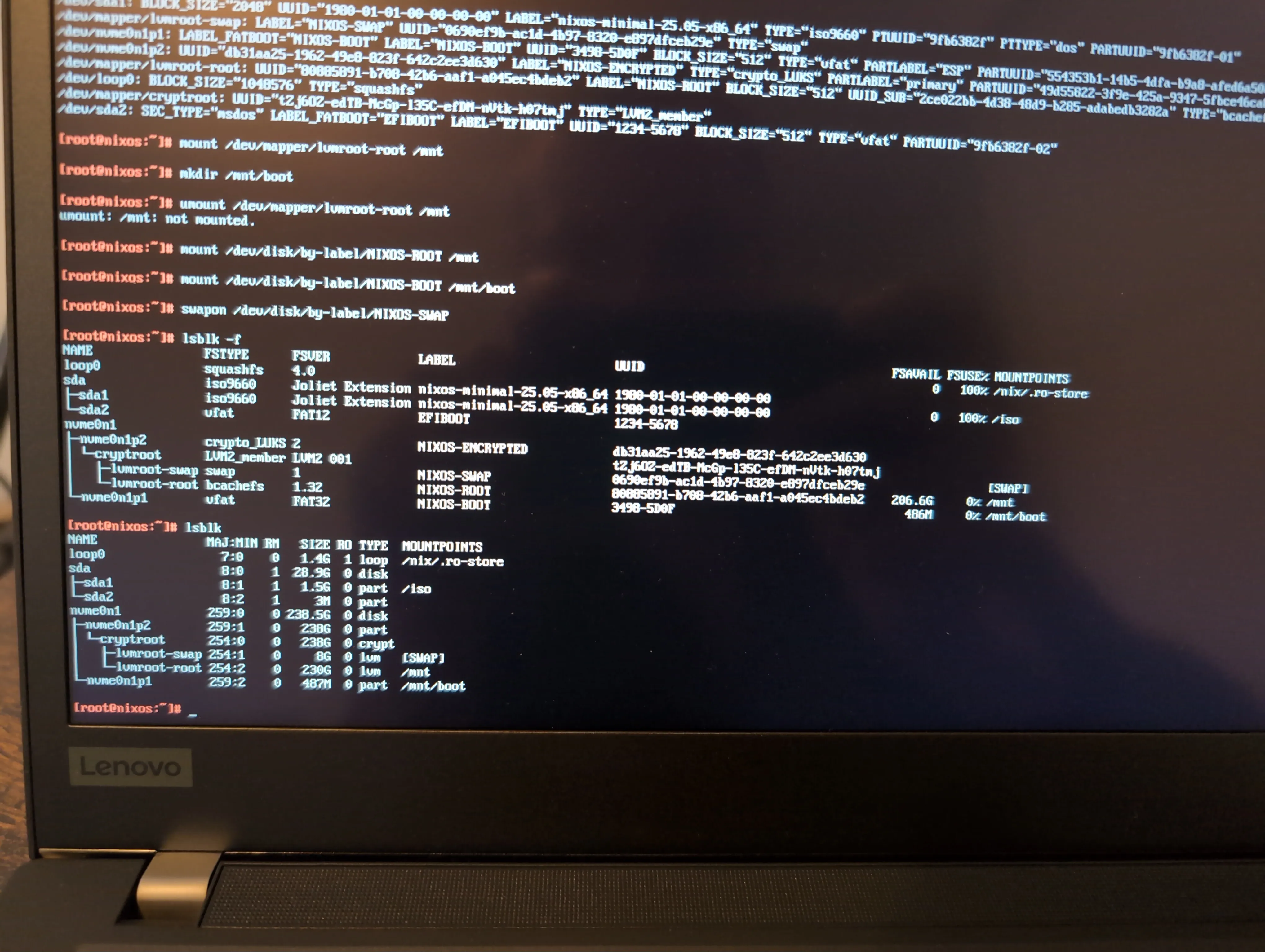
Now you should have something that looks like this
Generate config
nixos-generate-config --root /mntThis creates /mnt/etc/nixos/configuration.nix and /mnt/etc/nixos/hardware-configuration.nix.
Add to hardware-configuration.nix
initrd.luks.devices.cryptroot.device = "/dev/disk/by-uuid/UUID-OF-NVME0N1P2";Add to configuration.nix
boot.supportedFilesystems = [ "bcachefs" ];
boot.kernelPackages = pkgs.linuxPackages_latest;
Install and reboot
nixos-install --option extra-experimental-features flakes

sudo reboot
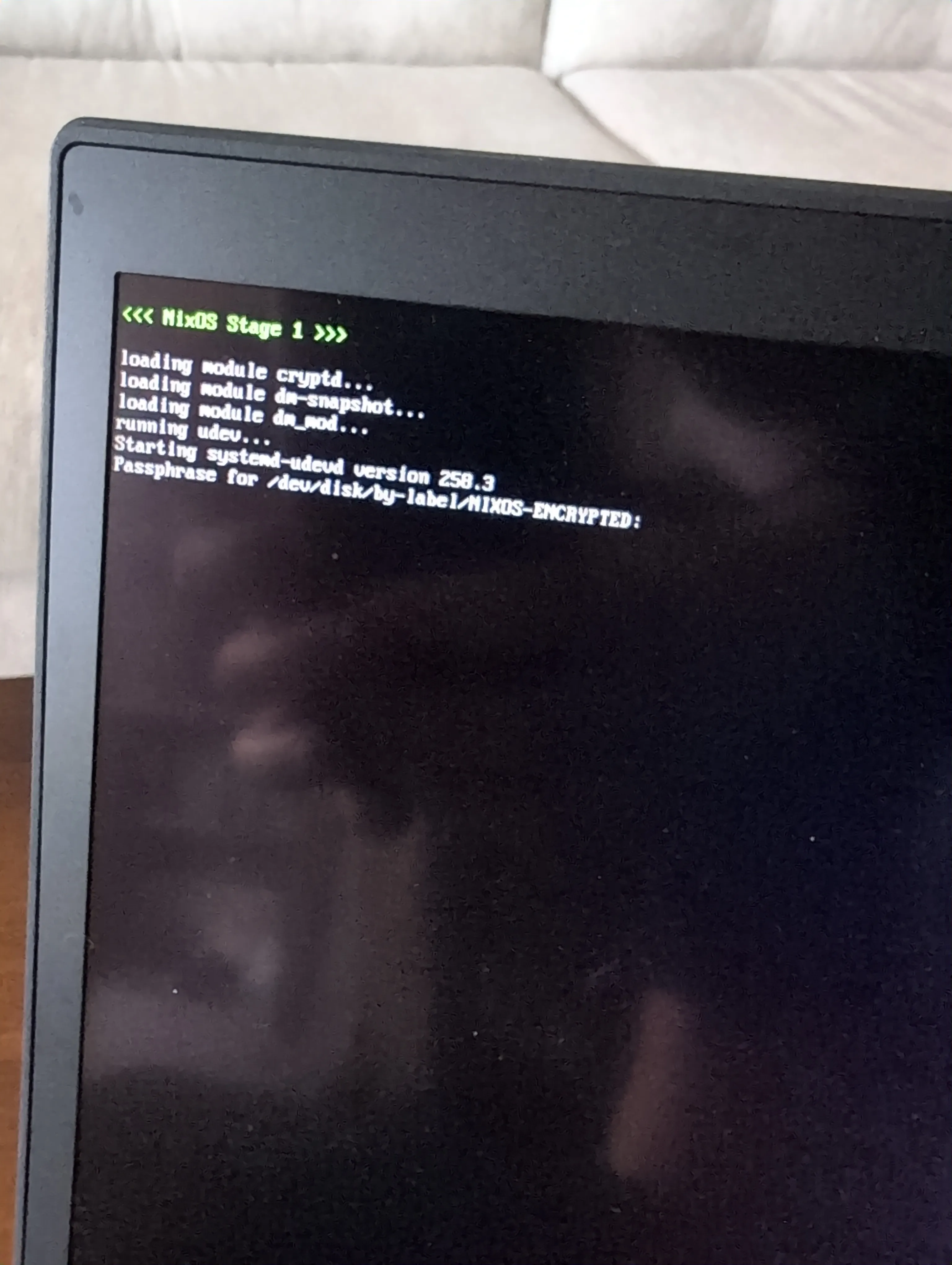
You’ll be greeted with enter ‘Passphrase for /dev/disk/by-label/NIXOS-ENCRYPTED’ then boot into the commandline of NixOS.
Next step is to build out /etc/nixos/configuration.nix.
The full config for this machine lives in my NixOS repo, so I mostly keep tweaks there rather than in configuration.nix directly.
Peace ✌️